
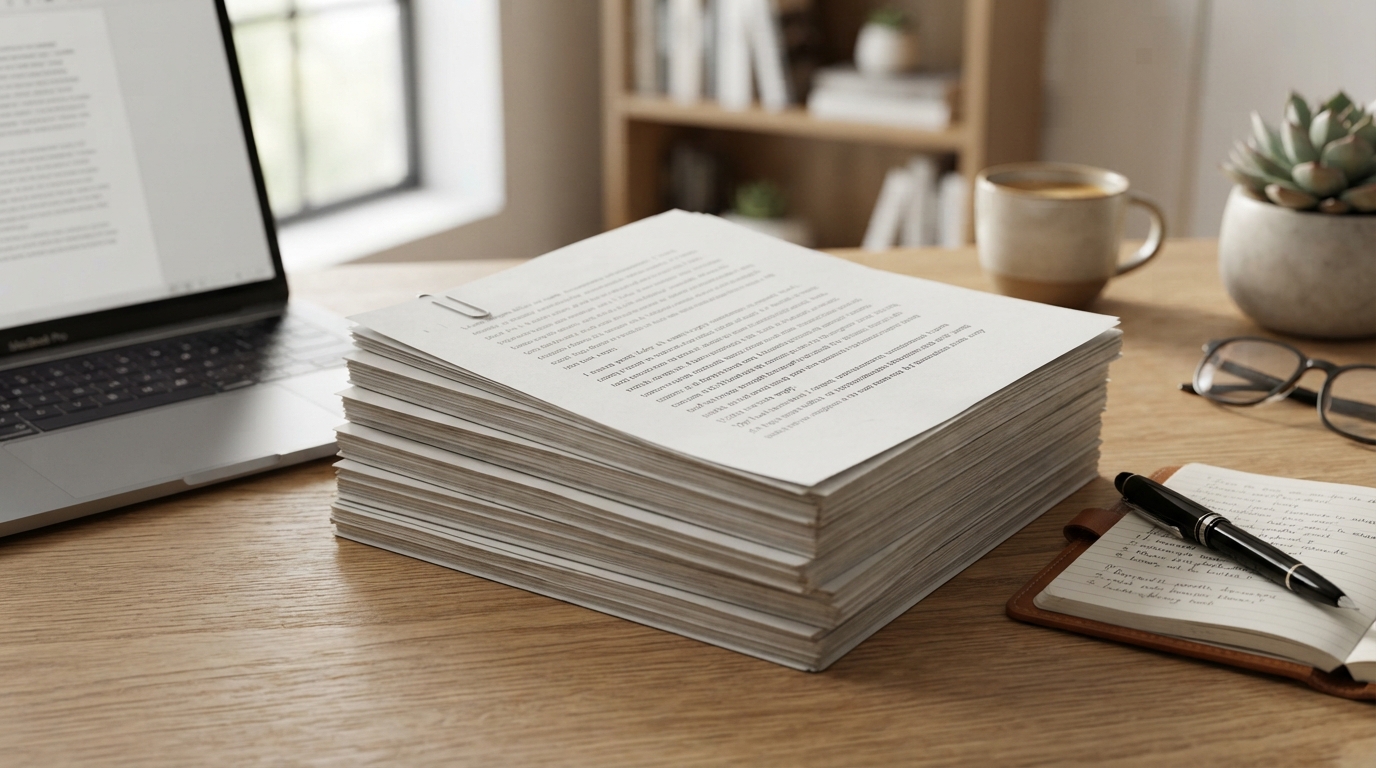
Under standard document formatting guidelines, 1,500 words is exactly 3 pages single-spaced or 6 pages double-spaced. This calculation assumes you are using a standard 12-point font size, a highly readable typeface like Times New Roman or Arial, and default 1-inch margins on all sides. However, the exact page count can fluctuate based on your choice of typography, paragraph spacing, and the word processing software you use.
Whether you are a student drafting an academic essay, a business professional preparing a corporate report, or an author outlining a new chapter, understanding the spatial relationship between word count and page layout is critical. In this comprehensive guide, we will break down the exact variables that influence document length, explore how 1,500 words look across different platforms, and provide actionable formatting tips to ensure your documents meet their precise structural requirements.
The Quick-Reference Conversion Table for 1,500 Words
To give you an immediate visual understanding of how word counts translate into physical pages, we have compiled a detailed reference chart. This table illustrates how font style, font size, and line spacing alter the spatial footprint of your text.
| Word Count | Font Style | Font Size | Line Spacing | Estimated Page Count |
|---|---|---|---|---|
| 1,500 words | Times New Roman | 12 pt | Single (1.0) | ~3.0 Pages |
| 1,500 words | Times New Roman | 12 pt | Double (2.0) | ~6.0 Pages |
| 1,500 words | Arial | 11 pt | Single (1.15) | ~3.2 Pages |
| 1,500 words | Calibri | 11 pt | Single (1.0) | ~2.7 Pages |
| 1,500 words | Courier New | 12 pt | Single (1.0) | ~4.3 Pages |
| 1,500 words | Verdana | 12 pt | Double (2.0) | ~6.8 Pages |
The Anatomy of a Page: Key Variables Influencing Document Length
Many writers mistakenly assume that word count is the sole metric governing a document’s length. In reality, word count is highly elastic when mapped onto physical pages. The following structural elements dictate exactly how much visual real estate your 1,500-word draft will occupy.
1. Typography and Font Choice (Proportional vs. Monospaced)
Different typefaces possess distinct physical widths and heights, even when set to the exact same point size. Fonts are broadly categorized into two families:
- Proportional Fonts: Characters occupy varying amounts of horizontal space based on their shape. For example, a lowercase “i” takes up much less space than an uppercase “W”. Common examples include Times New Roman, Arial, Georgia, and Calibri. These fonts are highly efficient and tend to yield fewer pages.
- Monospaced Fonts: Every single character, punctuation mark, and space occupies the exact same amount of horizontal space. Courier New is the classic example. Because a lowercase “i” takes up the same space as a “W”, monospaced fonts stretch your text horizontally, drastically increasing your page count. A 1,500-word essay in Courier New can easily stretch to 4.5 pages single-spaced.
2. Line Spacing and Leading
Line spacing, historically referred to as “leading” in traditional typesetting, is the vertical distance between lines of text. Standard document formatting typically calls for either single spacing (1.0), 1.15 spacing (the modern default in Microsoft Word), 1.5 spacing, or double spacing (2.0).
Doubling your line spacing from single to double will literally double the physical footprint of your text. While 1,500 words single-spaced fits snugly onto 3 pages, switching to double spacing inserts a blank line’s worth of height after every line of text, pushing the document to 6 pages.
3. Margin Widths
The standard margin for academic, professional, and creative writing is 1 inch (72 points) on all four sides of the page. If you decrease your margins to 0.5 inches, you increase the printable area of the page, which reduces the total page count. Conversely, increasing margins to 1.5 inches to meet a minimum page requirement will compress the text area, forcing the 1,500 words to spill over onto extra pages.
4. Paragraph Breaks and Indentations
The frequency of your paragraph breaks plays a massive role in layout dynamics. If you write long, dense paragraphs (common in academic papers and research briefs), your text flows continuously with minimal wasted space. However, if you write short, punchy paragraphs (common in blog posts, marketing copy, or modern fiction), the frequent line breaks and white spaces will expand your document’s physical length, adding half a page or more to your total count.
How 1,500 Words Look in Popular Word Processors
Different writing platforms utilize unique default settings. When you paste or write 1,500 words into these applications, here is what you can expect to see out-of-the-box:
Microsoft Word (Modern Defaults)
By default, modern versions of Microsoft Word use the Calibri font at 11-point size, with 1-inch margins and a line spacing of 1.15. Under these specific parameters, a 1,500-word document will span approximately 2.8 to 3 pages. If you change the settings to the classic academic standard (Times New Roman, 12 pt, double-spaced), it will span exactly 6 pages.
Google Docs (Standard Defaults)
Google Docs defaults to Arial at 11-point size, with 1-inch margins and 1.15 line spacing. Because Arial has a slightly wider character stance than Calibri, 1,500 words in Google Docs will typically take up a solid 3 pages. If you transition this to double-spacing, it will easily clear 6 pages, and potentially touch the beginning of a 7th page depending on your paragraph breaks.
Scrivener and Professional Novel-Writing Software
For creative writers, Scrivener often defaults to a “Manuscript” format, which emulates the classic industry standard: Courier New, 12 pt, double-spaced. In this environment, your 1,500-word short story or novel chapter will span roughly 6.5 to 7 pages. This is because Courier New is highly spaced out to allow editors room to make physical notations on the printed manuscript.
Real-Time Search Queries: What Writers Ask About 1,500 Words
To help you navigate your writing project, we have analyzed the most frequent real-world search queries surrounding this word count. Here are the precise answers to what writers are searching for online:
“How many paragraphs is 1,500 words?”
An average paragraph in a standard essay or article contains roughly 100 to 150 words. Therefore, a 1,500-word document will contain approximately 10 to 15 paragraphs. If you are writing highly optimized online content or dialogue-heavy fiction, your paragraphs will be much shorter (50 to 80 words), resulting in 20 to 30 paragraphs.
“How long does it take to write 1,500 words?”
The time required to draft 1,500 words depends heavily on the depth of research required:
- Fast-paced drafting (creative writing/personal essays): 1.5 to 2 hours.
- Standard academic or business writing (with light research): 3 to 4 hours.
- Highly technical or scientific writing (with deep research and citations): 5 to 8 hours.
“How many pages is 1,500 words handwritten?”
The average person’s handwriting is significantly larger than a 12-point computer font. When writing on standard wide-ruled or college-ruled notebook paper, you can expect to fit about 250 words per page. Consequently, a handwritten 1,500-word draft will span approximately 6 pages of physical notebook paper.
Industry-Specific Standards for 1,500-Word Documents
Depending on your field, a 1,500-word limit carries different structural expectations and formatting rules. Let’s look at how this word count is utilized across major sectors.
1. Academic Writing (APA, MLA, and Chicago Style)
In academic settings, strict formatting guidelines are non-negotiable. If you are assigned a 1,500-word essay, your instructor will almost certainly require:
- Times New Roman or Arial, 12-point font.
- Double-spacing (2.0).
- 1-inch margins on all sides.
- An indent of 0.5 inches for the first line of every paragraph.
Under these guidelines, your paper will be exactly 6 pages long, excluding your title page and works cited bibliography. Be careful: adding extensive block quotes (which are indented and single-spaced) can slightly compress your page count, while a high volume of short, analytical paragraphs can expand it.
2. Creative Writing and Novel Chapters
In the publishing industry, word count is king, while page count is highly variable. A 1,500-word chapter is considered relatively short and punchy—perfect for keeping readers turning pages in thriller, romance, or young adult fiction.
When submitting a manuscript to literary agents or publishers, standard manuscript format (double-spaced, 12 pt Times New Roman or Courier) is required. This means your 1,500-word chapter will translate to roughly 6 pages for the editor to review.
3. Business Reports and Executive Summaries
In corporate environments, brevity is valued. A 1,500-word document is typically formatted using single spacing or 1.15 spacing to save paper and allow for rapid scanning. Business documents frequently utilize modern sans-serif fonts like Calibri, Arial, or Segoe UI.
With the addition of bulleted lists, data tables, and section headers, a 1,500-word business report will usually span 3 to 4 pages. It is common practice to leave a blank space between paragraphs rather than indenting the first line, which adds clean, professional white space to the layout.
4. SEO Content and Blog Posts
For digital publishers, a 1,500-word article is the sweet spot for search engine visibility. It provides enough depth to build topical authority without overwhelming the reader. Because online reading behaviors favor scannability, digital articles are formatted with very short paragraphs (often only 2 to 3 sentences), bullet points, callout boxes, and frequent subheadings.
If printed, a highly optimized 1,500-word blog post would easily occupy 4 to 5 pages due to the vast amount of white space designed to make mobile and desktop reading effortless.
How to Accurately Track and Adjust Your Page Count
If you are working toward a strict page target rather than a strict word count, you can use several tactical formatting adjustments to expand or compress your document without altering a single word of your actual content.
Techniques to Compress Your Document (When It’s Too Long):
- Switch your font: Changing from Arial or Courier New to Times New Roman or Calibri will immediately pull your text together, reducing your page count.
- Adjust line spacing: If you aren’t bound by academic rules, lowering your line spacing from 2.0 to 1.15 or 1.0 will drastically shrink your document.
- Reduce paragraph spacing: In Microsoft Word, go to the Paragraph settings and ensure the “Space After” setting is set to 0 pt instead of the default 8 pt or 10 pt.
- Slightly adjust margins: Changing your margins from 1 inch to 0.8 inches is visually subtle but can easily save half a page on a 1,500-word document.
Techniques to Expand Your Document (When It’s Too Short):
- Use a wider font: Switching to Georgia, Verdana, or Courier New will naturally expand your text.
- Increase paragraph spacing: Add a 6 pt or 12 pt space after paragraphs to introduce elegant, page-expanding white space.
- Utilize block quotes: If you are quoting external sources, setting them as indented block quotes adds significant vertical space to your document.
Professional Document Formatting Checklist
Before you export your 1,500-word document to PDF or send it to an editor, run through this formatting checklist to ensure it looks polished, professional, and structurally sound:
- Check the margins: Are they set to exactly 1.0 inch on the top, bottom, left, and right?
- Verify font consistency: Ensure your entire document is in a single font family (e.g., all Times New Roman or all Arial). Mixing fonts looks highly unprofessional.
- Examine paragraph breaks: Are you using a consistent method to separate paragraphs? (Either indent the first line of each paragraph by 0.5 inches OR use a space after the paragraph—never do both).
- Look for “widows” and “orphans”: Ensure a single line of a paragraph doesn’t sit alone at the very top or very bottom of a page.
- Confirm page numbers: If your document is more than 2 pages, add page numbers in the top-right header or bottom-center footer.
Collaborating with Professional Writers for Perfect Document Execution
While understanding the mechanics of page formatting is invaluable, crafting high-impact content that fits perfectly within your structural goals requires a unique blend of technical skill and creative expertise. Whether you are looking to draft a compelling 1,500-word executive report, a series of authority-building blog posts, or a full-length book manuscript, working with seasoned professionals ensures your project is executed flawlessly from the very first word.
For authors and business leaders looking to bring their ideas to life, partnering with an elite agency like Collins Ghostwriting is the ultimate way to guarantee success. Their team of expert writers and editors specialize in transforming complex concepts into beautifully formatted, highly engaging written works that adhere strictly to industry standards—ensuring your word counts, page layouts, and narrative pacing align perfectly with your vision.
Frequently Asked Questions About Word and Page Counts
Is 1,500 words considered a long essay?
A 1,500-word essay is considered a mid-length academic paper. It is highly common for undergraduate research papers, analytical essays, and comprehensive critical reviews. It is long enough to require a well-structured argument with multiple supporting points, but short enough to read in about 6 to 10 minutes.
How many words is a typical page?
On average, a standard page holds approximately 500 words single-spaced, or 250 words double-spaced. This general rule of thumb is the industry benchmark used by publishers, educators, and professional writers worldwide.
How many pages is 1,500 words in PDF format?
When you convert a document to PDF, the formatting remains identical to your source file. If your source document was 3 pages single-spaced in Microsoft Word, it will remain exactly 3 pages in your finalized PDF document.